- Gadget Reviews
- Buying Guide
Don't Buy a TV This Sale: Get the Pixpaq Gold Raymastered Projector for ₹27,000
Skip the sale-season TV. The Pixpaq Gold Raymastered projector drops to about ₹27,000 with code MASTER on the official website.
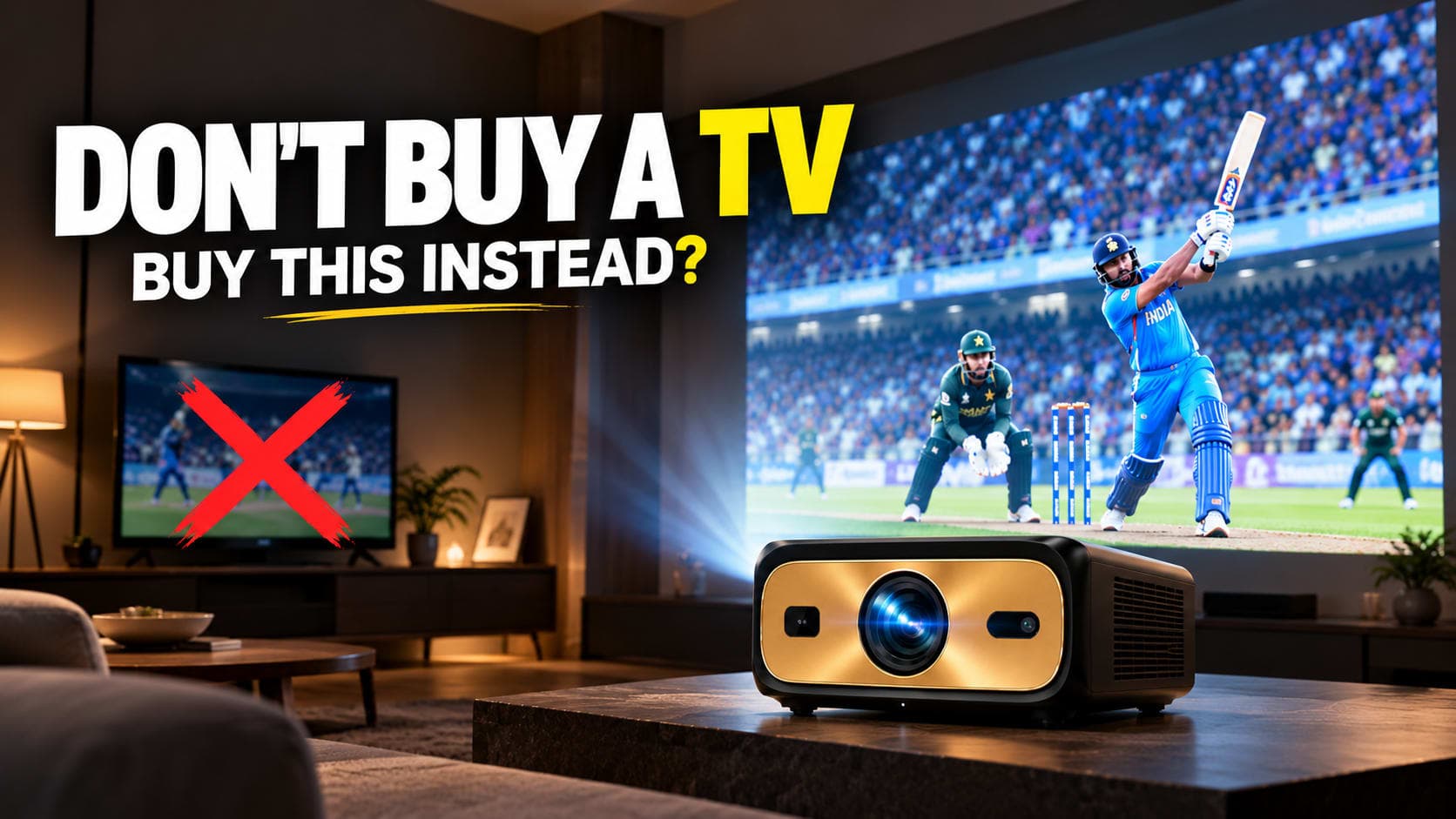
Every sale season, people open a shopping app, scroll through TV deals, and end up paying for a bigger screen they will use exactly like the old one.
I did something different. I bought the Pixpaq Gold Raymastered projector. It is listed at ₹35,000, but with coupon code MASTER on the official website it comes to around ₹27,000.
I made a video on it, and this post is the written version. I will tell you what I actually felt using it, the good and the bad. There is one catch that can change your decision, so read to the end.
The short answer
At around ₹27,000, the Pixpaq Raymastered is worth it. The picture quality, brightness and contrast are hard to find at this price.
The first time I projected it on my hall wall, my neighbours asked where I got such a big TV. They thought it was a TV. I still use it on that same wall.
The price
| Item | Price |
|---|---|
| Listed price on the website | ₹35,000 |
| Flat discount with coupon MASTER | ₹8,000 |
| Price you pay | around ₹27,000 |
Buy it from the official website and apply the code at checkout. Check the final amount before you pay, because offers can change. If your budget is anywhere between ₹30,000 and ₹50,000, I would buy this without overthinking it.
Picture quality
Brightness and HDR
Many brands claim sharp pictures. The real difference shows up in brightness and HDR. My hall gets a lot of light, and the picture is still bright. When I play HDR movies, dark scenes keep their detail and bright scenes have punch. This is where cheap projectors compromise, and Pixpaq has not.
The spec sheet quotes 3,450 and 2,450 ANSI lumens for different modes. I have no way to measure that myself. What I can say is that it looks about four to five times brighter than the Egate projector I used before.
Screen size
My picture is around 90 inches. I wanted 100, but my wall was not big enough. The spec sheet says it goes up to 600 inches, and people usually recommend 200 to 300. Personally, I would keep it around 150 inches. That is where you will enjoy it the most.
Hardware that matters
- Sealed optical engine, so dust stays out. On normal projectors, dust often gets in within 6 to 8 months and shows up as dark spots on screen
- Mini LED light source, so brightness stays even from the centre to the corners
- Contrast ratio of 12,500:1 and 99.9% DCI-P3 colour coverage
- MEMC and a 120 Hz variable refresh rate, useful for sports and gaming
- MediaTek MT9660 processor. Apps open quickly and 4K HDR files play without stuttering
- Two HDMI 2.1 ports with ARC, one USB port, Wi-Fi 6 and Bluetooth 5.2
- TOF laser autofocus and auto keystone correction
Autofocus does not always get it right, but in about 90% of cases it focuses quickly and accurately.
Sound
It has dual 15W speakers, and the sound is much better than I expected. At 50% volume it is clear. At 100% I did not hear distortion. My room is big and the sound reaches the whole house, so I did not need an external speaker. If you live in a 4 or 5 BHK, you might want one.
The catches
It is 1080p, not 4K
The spec sheet says 4K decoding supported. That means it can play 4K files. It does not mean the picture is 4K. The projector is 1080p.
Every projector in this range works this way. If a brand promises true 4K at this price, it is compromising on brightness, contrast or HDR. Honestly, I cannot tell the difference without a side-by-side test, and most content today is still 1080p.
Netflix and Prime Video
This is the odd thing I mentioned. The projector runs the open-source AOSP version of Android. It does not have the Widevine L1 certificate that Netflix and Prime Video need for HD and 4K. So both apps are locked to 480p, and you can see it.
Built-in apps like YouTube work fine up to 4K. The Netflix version you sideload is made for touch screens, so you need a mouse to use it.
If you connect a device over HDMI, the problem goes away. I use a Fire TV Stick. A Google TV box also works, and I think it costs around ₹6,000 to ₹7,000. If Netflix or Prime is your main use, add that cost to your budget. Even at ₹27,000 plus a streaming device, I still think it is worth it. A laptop over HDMI works too.
JioHotstar
I noticed one more issue. In the JioHotstar app, some titles such as Drishyam get stuck on loading, and it keeps repeating. Other titles, like Bigg Boss, play fine. I am not sure whether the app or the projector is at fault. The upside is that the native JioHotstar app gives a real 4K option on the titles I tried.
My verdict
Picture quality is top notch for the price. HDR brightness is the best I have seen in this range, and the speakers are good enough that I do not need extra ones. In this budget, I think it beats the other projectors.
That is why I bought it. Remember the neighbour who took it for a TV? The only thing to check first is your streaming setup. If you use Netflix or Prime, plan for a Fire TV Stick and you will not need anything else.


